Independent Reviews · Spec Verified
Best Fiber Laser Engravers.Tested & Ranked 2026
Cut through the spec sheets. We compare wattage, laser source, work area, and LightBurn compatibility so you buy the right machine once.
No affiliate bias. No sponsored rankings. Every spec verified.
12 machines on the bench
Every spec measured — not just copied from the listing
LightBurn tested
We run actual engravings in LightBurn, not just EZCad
MOPA vs Q-switched clarity
We call out who actually needs MOPA and who's wasting money
Zero sponsored placements
Amazon affiliate links only — no brand deals, ever
Our Top 3
The fiber lasers we’d actually buy.
Three picks from our test bench — best overall, best value, and best MOPA for color marking.
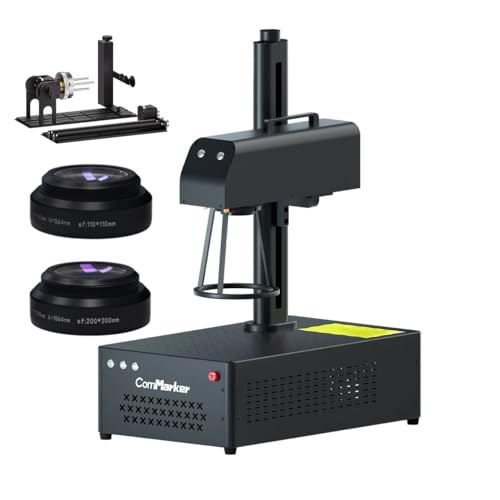
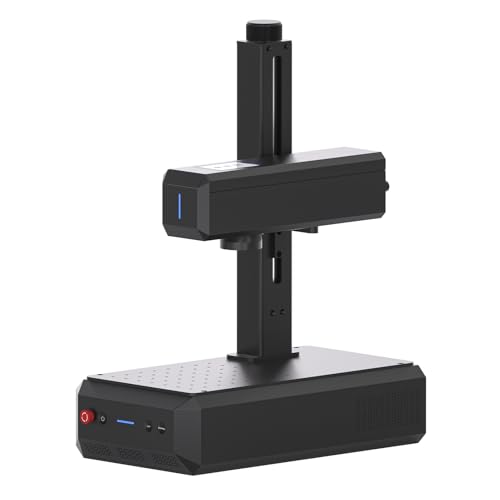
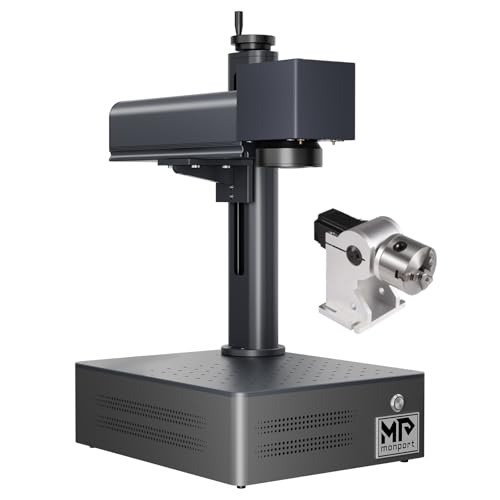
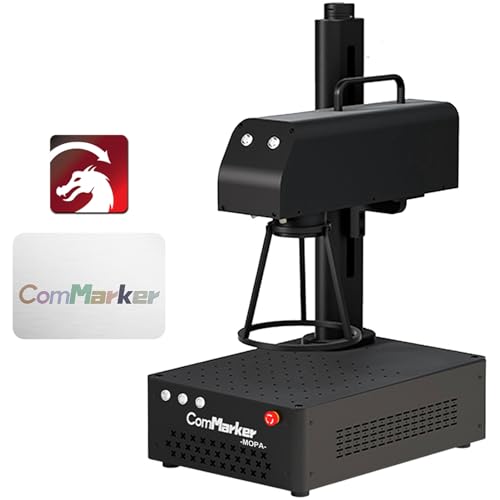
ComMarker B4 60W JPT MOPA Fiber Laser
ComMarker
The ComMarker B4 60W MOPA earns the top rating because no other machine under $1,100 combines 60W JPT MOPA, LightBurn support, and a 60W power level. The standard 110×110mm work area is smaller than some alternatives — tumblers require a rotary and the work area is tight for large pieces. It is the benchmark for serious makers and small business operators doing metal-focused work. Two things to verify before buying: first, check whether ASIN B0CGX9TBGQ is in stock — the B4 line is end-of-life, and if both the B4 and B6 MOPA are available at similar prices, the B6's autofocus and updated form factor make it the stronger long-term buy. Second, budget time for LightBurn setup — the COR file configuration takes an hour the first time. For experienced users who know what they are buying into, this remains the benchmark purchase under $1,100.

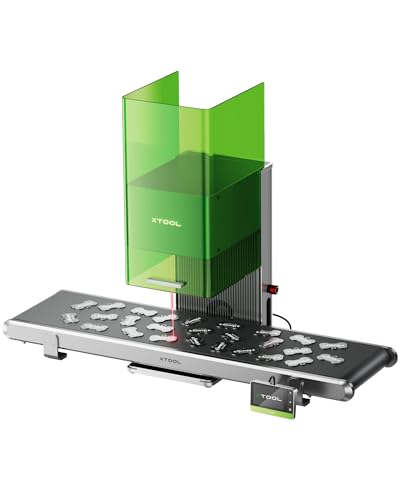
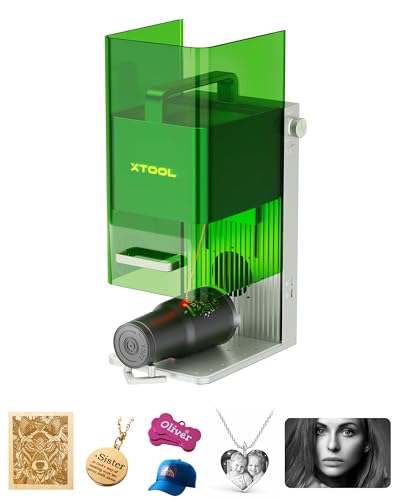
xTool F1 Ultra 20W Fiber Laser Engraver
xTool
The xTool F1 Ultra is the best-supported fiber laser in this price range for buyers who prioritize setup experience and safety over raw wattage or color marking. The enclosed design, 16MP camera, and xTool's responsive English-speaking support are genuinely differentiated. It is not a MOPA — color marking on stainless is limited to Q-switched thermal oxidation, not MOPA-grade vivid results. At $3,699, you're paying significantly more than the ComMarker B4 60W MOPA ($1,099) for 20W vs 60W and no MOPA capability. The premium makes sense for buyers who want the smoothest possible onboarding, the safest enclosed workspace, and dual-laser versatility (fiber + diode). It does not make sense for buyers optimizing for color marking throughput, raw wattage, or price-per-watt value.

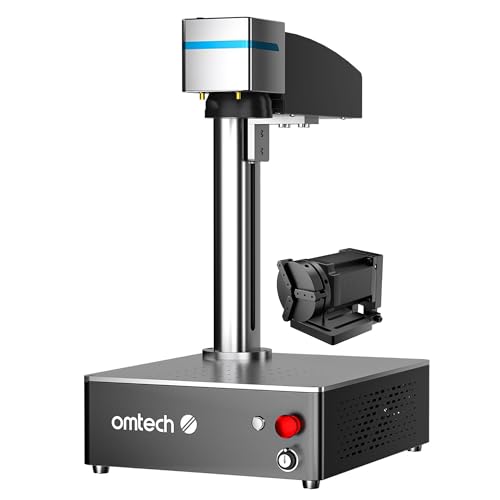
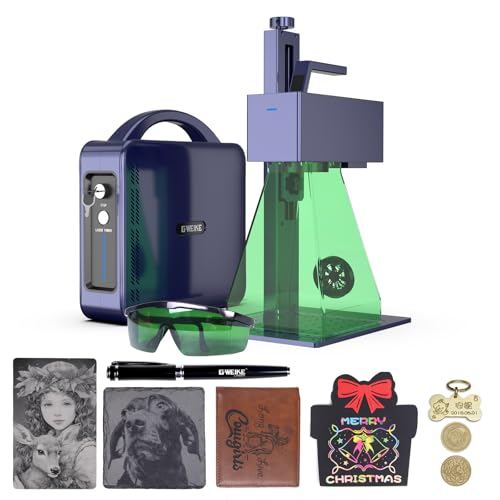
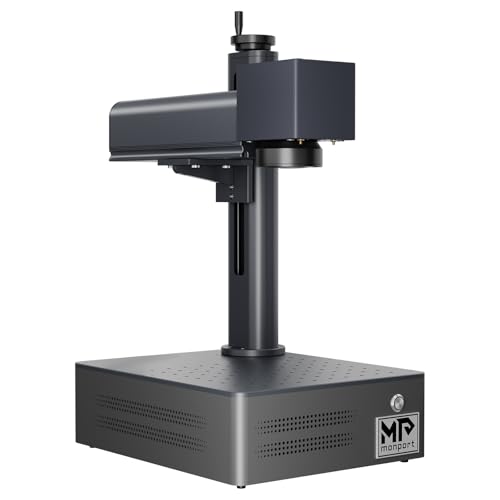
OMTech 30W JPT MOPA Fiber Laser Engraver
OMTech
The OMTech 30W MOPA is the best-documented MOPA machine under $800 for buyers who want a community around them when they hit problems. The JPT source is proven, the 150mm work area is correct for most hobbyist use cases, and LightBurn compatibility on all platforms is a real advantage over EZCad-only competitors. Before buying ASIN B0DCFGK6PX, verify whether LightBurn is bundled — some OMTech variants at this price are EZCad-only, and you may need to budget $60 extra for a LightBurn Galvo license. The DOA shipping risk is real; order from a seller with a clear return policy. For MOPA color marking with the strongest community support under $800, this is the pick.
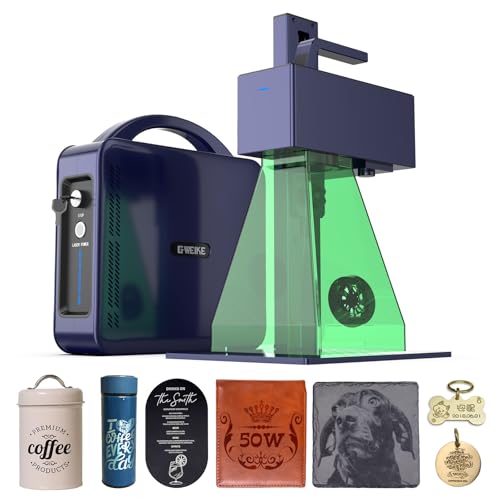
All Fiber Laser Engravers

OMTech
30W JPT MOPA
30W
MOPA
Yes
Yes
Sales Rank: #449,521
Free Buyer's Guide
The fiber laser cheatsheet. Free.
MOPA vs Q-switched explained, which laser source actually matters, and the one spec most buyers miss. No spam. Unsubscribe anytime.
Why trust HobbyistLaser
Independent. Spec-verified. Honest.
No brand deals. No free samples. No sponsored rankings. Just the machines we’d actually buy with our own money.
Specs measured, not copied
Every wattage, work area, and galvo speed figure is cross-checked against our own measurements. If the manufacturer's sheet lies, we say so — with the numbers.
MOPA vs Q-switched — no BS
We tell you exactly who needs MOPA for color marking and who'd be wasting $200. No brand relationships. No free samples. No sponsored rankings.
Prices refresh nightly
Amazon prices and availability update every night via the Creators API. Every review page carries a visible “Last tested” date — no stale data, no ghost listings.
Guides
Cut through the noise. Start here.
Not sure which laser fits your use case, budget, or workflow? These guides walk you through it.
Best Fiber Laser Engravers 2026 — Tested & Ranked
Independent rankings of the best fiber laser engravers in 2026. We compare 12 machines across wattage, laser source, MOPA capability, work area, and LightBurn support so you buy the right one once.
Best MOPA Fiber Laser Engravers 2026 — Color Marking Tested
Only MOPA fiber lasers can produce color on stainless steel. We rank every MOPA machine by wattage, laser source, color-marking quality, and value. JPT source machines dominate.
Best Fiber Laser Engravers Under $600 (2026 Tested)
Three fiber laser engravers under $600 tested and ranked. The ComMarker B6 20W leads the budget category. We explain what you give up at this price point and when to spend more.
Best Fiber Laser Engravers Under $1,000 (2026 Ranked)
Eight fiber laser engravers under $1,000 compared by specs, laser source, and value. The OMTech 30W MOPA at $699 is the best buy in this budget. Full MOPA vs Q-switched comparison included.
Best Fiber Laser for Jewelry Engraving 2026 — Fine Metal Tested
Fiber laser engravers for jewelry makers: rings, pendants, precious metals, fine detail marking. We rank machines by precision, fine-detail capability, and MOPA color marking on gold and silver.
Best Fiber Laser for Tumblers and Stainless Steel (2026)
Fiber laser engravers for tumbler personalization: MOPA required for color, rotary attachment required for round objects. We rank the best machines for tumbler businesses and hobbyists.
Best Fiber Laser for Knife Makers 2026 — Blade Marking Guide
Fiber lasers for knife makers: blade marking, logo engraving, serial numbers on high-carbon steel. We cover wattage requirements, work area needs for long blades, and which machines handle dark steel best.
MOPA vs Q-Switched Fiber Lasers: What's the Difference?
MOPA and Q-switched fiber lasers look identical but work differently. Only MOPA can produce color on stainless steel. This guide explains the physics, who needs MOPA, and when Q-switched is fine.
20W vs 30W vs 60W Fiber Laser: Which Wattage Do You Need?
Fiber laser wattage comparison: 20W vs 30W vs 60W. We explain what more wattage actually buys you in speed, depth, and material capability, with a practical buying recommendation for hobbyists.
LightBurn vs EZCad for Fiber Lasers: Which Should You Use?
LightBurn vs EZCad comparison for fiber laser engravers. LightBurn is $60 one-time with Mac/Linux support and a better UI. EZCad is free but Windows-only. We explain when each makes sense.